
Save a bulletin and continue later
If you do not have all the details when completing a bulletin, you can save it and finish it later.
Watch the video: Save a bulletin and continue later

Save the bulletin
In the bulletin form, enter the details you have and click Save.
Find the saved bulletin
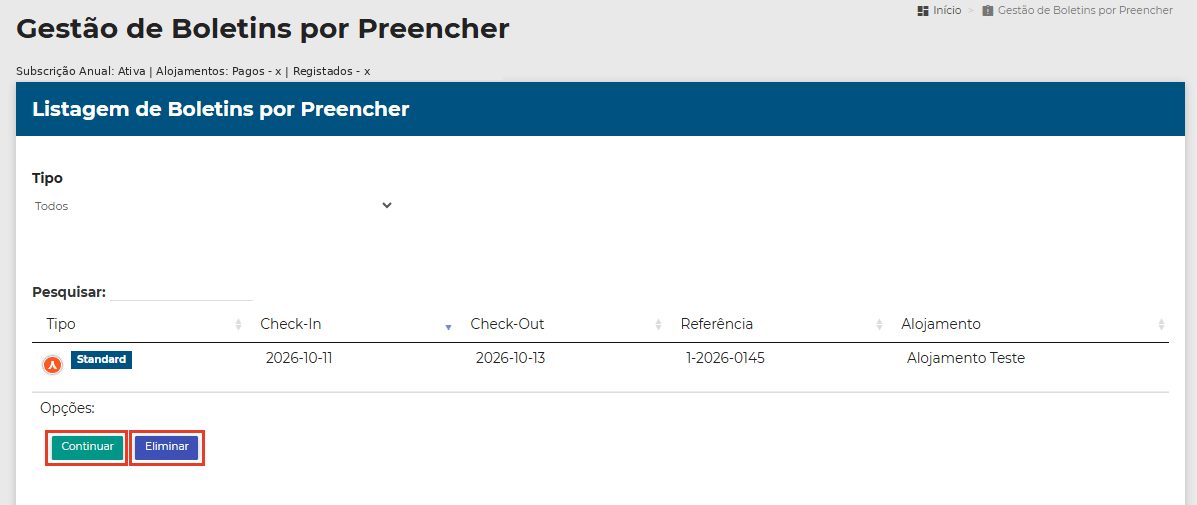
The saved bulletin appears in the list Incomplete bulletins, with the type Standard.
Complete the bulletin
- In the list, click the icon to the left of the bulletin, then click Continue.
- Complete the missing details.
- Click Submit. Then submit the bulletin to SIBA (UCFE), as explained under Accommodation bulletin.
Once completed, the bulletin appears in the bulletin list.
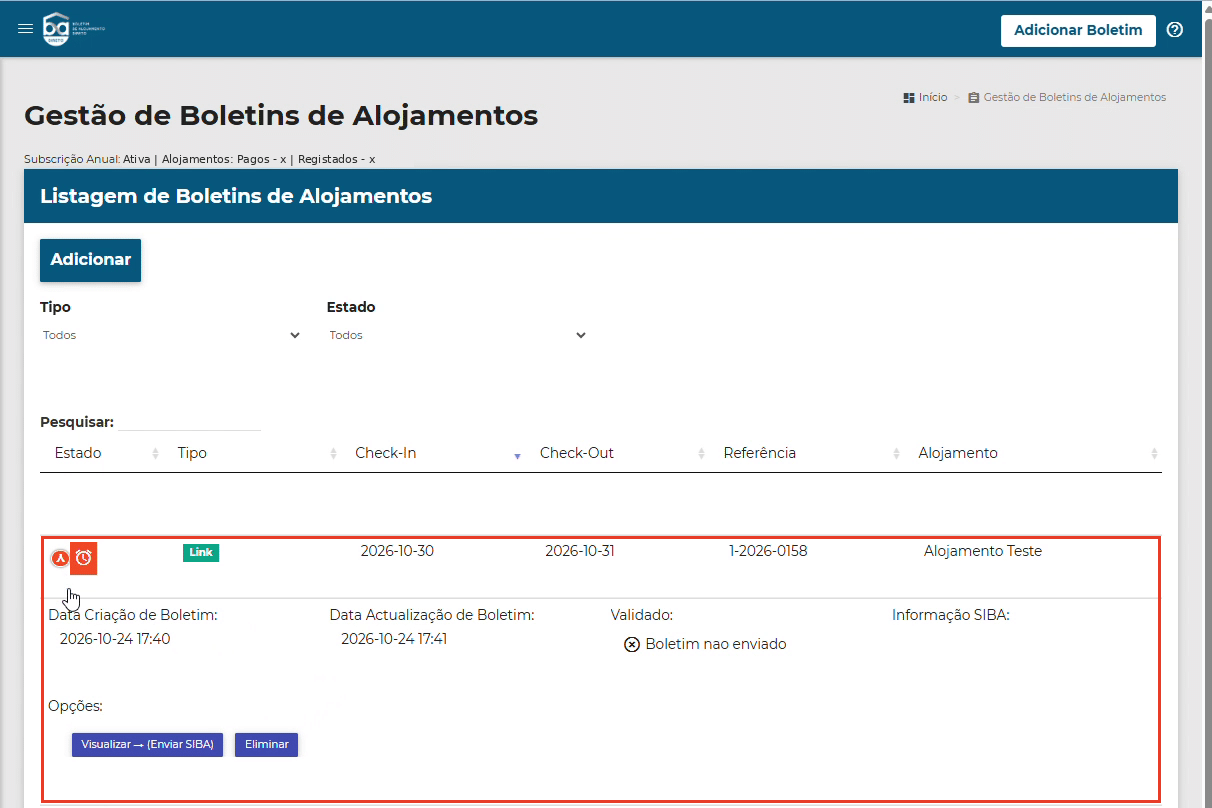
If you no longer need the bulletin, you can delete it: see Incomplete bulletins.